Open the source patient file you want to merge by using the search bar or by double clicking on an appointment in the calendar.
Click on the gear located on the information bar to access advanced options.

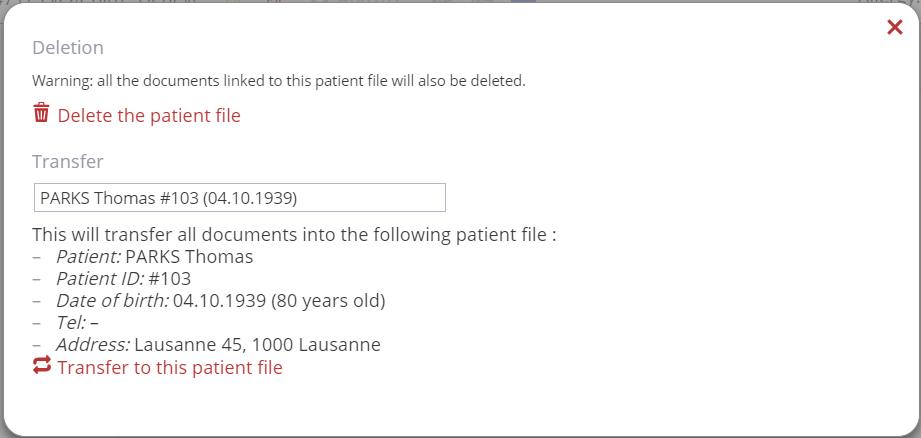
Use the box to browse for the target folder, then click
Transfer to this patient file.
This function transfers all items in the timeline to the target folder. Personal information and medical history are meged.